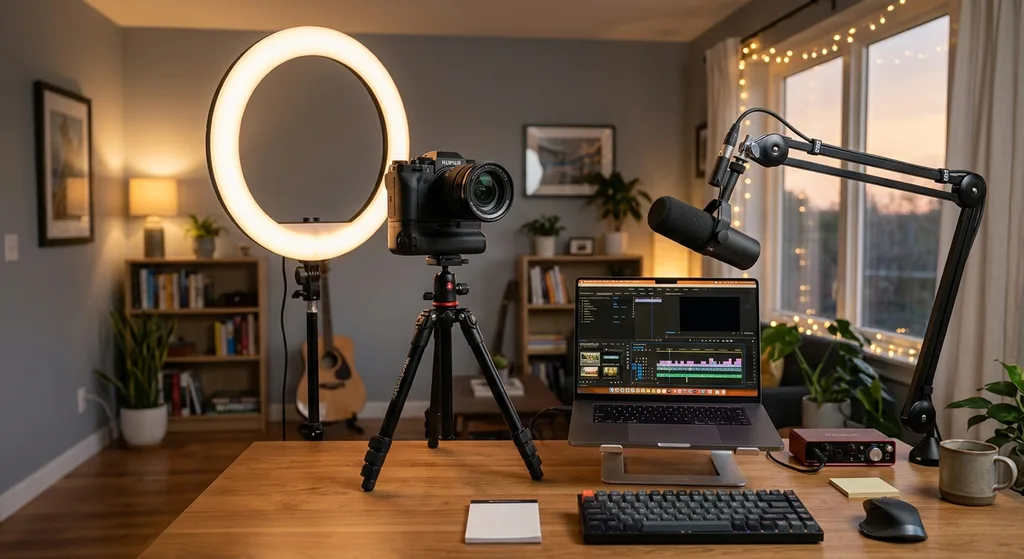
Video Creator Tools: The Complete Guide to Building a Professional Content Workflow in 2024
From cameras and microphones to AI-powered editing and distribution platforms, this guide breaks down the essential video creator tools you need to build a professional, scalable content workflow in 2024.
Video Creator Tools: The Complete Guide to Building a Professional Content Workflow in 2024
The creator economy has never moved faster. Whether you are launching your first YouTube channel, building a brand on TikTok, or producing short-form content for Instagram Reels, the tools you choose will shape every minute of your production day. The good news: the barrier to entry has dropped dramatically. The challenge: the market is flooded with hundreds of apps, platforms, and subscriptions competing for your budget and attention.
This guide cuts through the noise. We will walk through every stage of a modern video production workflow, explain what to look for in each category of tool, and help you build a stack that matches your goals, skill level, and budget. By the end, you will have a clear picture of which video creator tools genuinely move the needle and which ones you can skip.
Why Your Tool Stack Matters More Than Talent Alone
Raw creativity is essential, but it only gets you so far without the right infrastructure around it. A poorly lit video with muffled audio will underperform even the most compelling script. An editor working in a sluggish timeline wastes hours every week. Creators who invest intentionally in their toolset consistently outpace those who cobble together a random mix of free trials and hand-me-down gear.
Beyond quality, the right tools compress time. Batch-processing captions, automating thumbnail creation, and scheduling uploads can return five to ten hours per week to a mid-volume creator. At scale, that time compounds into more content, more consistency, and ultimately more audience growth. Think of your tool stack not as an expense but as the infrastructure that determines your creative output ceiling.
Camera and Capture: Where Quality Begins
Every frame your audience sees starts at capture. You do not need a cinema-grade camera to produce compelling content, but understanding the options helps you spend wisely.
- Smartphones: Modern flagships shoot 4K at 60fps. For creators just starting out or producing vertical-first content, a recent iPhone or Android paired with a stabilizing grip is a genuinely capable setup.
- Mirrorless cameras: Models from Sony, Fujifilm, and Canon offer interchangeable lenses, superior low-light performance, and professional autofocus. These are the workhorses for mid-tier and advanced creators.
- Action cameras: GoPro and DJI Osmo Pocket devices excel at vlogging, travel, and POV content where compactness matters more than shallow depth of field.
- Webcams and capture cards: For talking-head tutorials, gaming content, or remote interviews, a quality webcam such as the Elgato Facecam or a capture card paired with a DSLR delivers clean results without a full production setup.
Regardless of which device you choose, prioritize stable footage. Shaky video signals amateur production even when everything else is polished. A tripod, gimbal, or even a simple phone grip pays dividends immediately.
Audio Gear: The Most Underrated Investment in Any Setup
Audiences will forgive imperfect visuals far more readily than they will forgive poor audio. In viewer retention studies, bad sound is consistently cited as the top reason people stop watching a video. Fortunately, audio upgrades are often the most affordable improvements available.
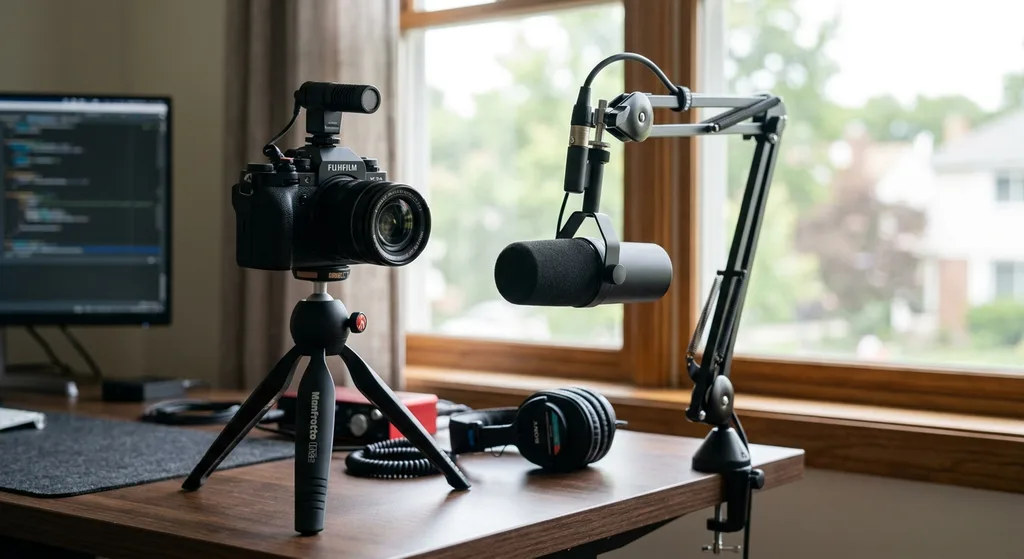
- USB condenser microphones such as the Blue Yeti or Rode NT-USB are plug-and-play solutions ideal for desk recording. They capture warm, full sound without requiring an audio interface.
- XLR dynamic microphones like the Shure SM7B or Rode PodMic are favorites among podcasters and video creators who want broadcast-quality audio and plan to invest in a proper interface.
- Lavalier microphones clip to clothing and are indispensable for run-and-gun filming, interviews, and any scenario where a stationary mic is impractical.
- Wireless systems from DJI (the DJI Mic series) and Rode (Wireless GO II) give creators freedom of movement while maintaining clean audio, making them popular for vloggers and documentary-style content.
Beyond the microphone itself, consider your recording environment. Acoustic treatment panels, moving blankets, or even a closet full of clothes can dramatically reduce unwanted reverb and room noise.
Video Editing Software: The Engine of Your Workflow
Your editing software is where raw footage becomes published content. The right choice depends on your platform targets, technical comfort, and how much time you want to spend in post-production.
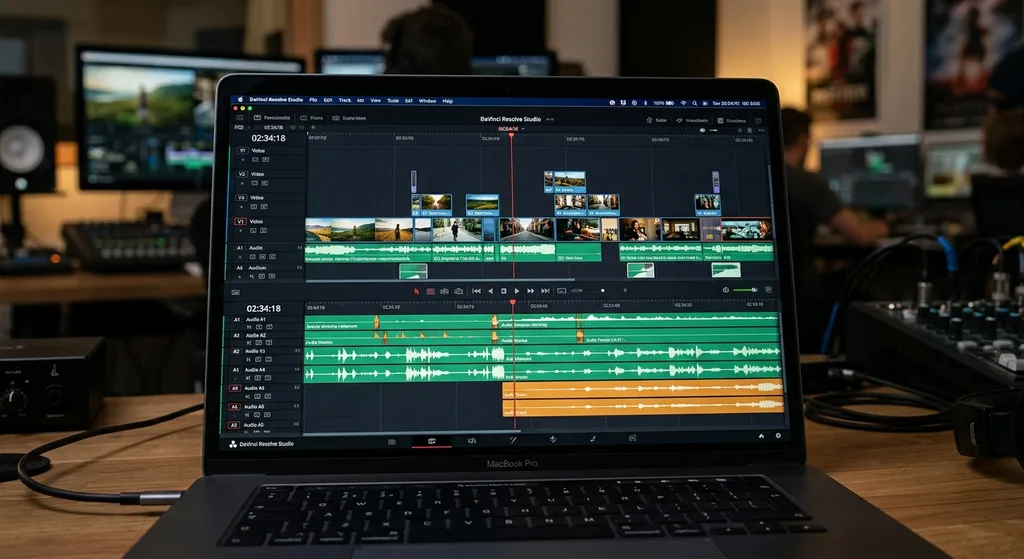
- DaVinci Resolve: A professional-grade editor with an industry-leading color grading suite. The free version is extraordinarily capable, making it a top pick for creators willing to invest time in learning the interface.
- Adobe Premiere Pro: The industry standard for professional video production. Its integration with After Effects, Audition, and the broader Creative Cloud suite makes it powerful for complex projects, though the subscription cost adds up.
- Final Cut Pro: Apple's offering is beloved by Mac-based creators for its magnetic timeline and optimized performance on Apple Silicon. A one-time purchase model is a notable advantage over subscription alternatives.
- CapCut: Originally built for short-form mobile content, CapCut has matured into a capable desktop editor. Its template library and built-in AI tools make it a practical choice for creators focused on TikTok and Reels.
- Descript: A text-based editor that transcribes footage and lets you edit by deleting words. It has become a favorite for interview-heavy creators, podcasters expanding into video, and anyone who finds traditional timelines intimidating.
For creators producing at volume, look for software that supports batch export, preset-based color grading, and integration with your delivery platforms. Time saved in post accumulates quickly when you are publishing multiple times per week.
AI-Powered Tools Reshaping the Creator Workflow
Artificial intelligence has moved from novelty to genuine utility in content production. Several categories of AI tools now handle tasks that previously required specialized skills or significant time investment.
- Auto-captioning and transcription: Tools like Rev, Otter.ai, and native features in CapCut and Premiere Pro generate accurate subtitles in minutes. Captions improve accessibility, boost watch time, and are now standard practice for competitive creators.
- AI background removal: Apps like Unscreen and built-in features in tools like Adobe Express let creators achieve clean green-screen effects without physical green screens.
- Script and voiceover generation: Platforms like ElevenLabs and Murf generate realistic AI voices for explainer content or draft narration, while tools like Jasper and Copy.ai assist with scripting and video descriptions.
- Thumbnail and graphic automation: Canva's AI features, Adobe Firefly, and Thumbnail.ai help creators produce click-worthy imagery faster than traditional design workflows allow.
- Video repurposing tools: Services like Opus Clip and Vidyo.ai automatically identify the most engaging moments in long-form footage and clip them into short-form content ready for TikTok or Reels.
AI tools work best as force multipliers rather than replacements for creative judgment. The creators getting the most value from them use AI to handle repetitive tasks while keeping strategy, storytelling, and audience connection firmly in human hands.
Distribution, Analytics, and Growth Tools
Creating great videos is only half the equation. Getting them in front of the right audience and understanding what is working requires a separate layer of tools focused on distribution and analytics.
- Scheduling platforms: Buffer, Later, and Hootsuite allow creators to queue uploads across YouTube, Instagram, TikTok, and LinkedIn simultaneously, reducing the manual overhead of multi-platform publishing.
- YouTube Studio and TikTok Analytics: Native analytics dashboards from each platform remain the most accurate source of truth for performance data. Study audience retention curves, click-through rates, and traffic sources weekly.
- TubeBuddy and VidIQ: These browser extensions layer keyword research, competitor analysis, and optimization scoring directly onto YouTube Studio, helping creators make data-informed decisions about titles, tags, and upload timing.
- Email and community tools: Platforms like Kit (formerly ConvertKit) and Patreon help creators build direct relationships with their most engaged viewers, reducing dependence on algorithm-driven reach.
Building a Sustainable and Scalable Creator Stack
The most common mistake new creators make is over-investing in gear before developing the skills and consistency to justify the expense. A far smarter approach is to build your stack in stages.
Stage 1 (Getting started): Smartphone camera, a budget USB microphone under $100, and a free editing tool like DaVinci Resolve or CapCut. Focus entirely on publishing consistently and learning what resonates with your audience.
Stage 2 (Growing): Add a mirrorless camera or quality webcam, a dedicated microphone, and basic lighting. Upgrade your editing software if the free tier is limiting your workflow. Invest in one scheduling tool to streamline publishing.
Stage 3 (Scaling): Introduce AI-powered repurposing tools, outsource editing to a freelancer or use a platform like Descript to speed up review, and layer in robust analytics tools to double down on content that performs.
Every creator's ideal stack will look different. A solo travel vlogger needs different tools than a B2B thought leader producing weekly tutorials. Start with the minimum viable setup, validate your content strategy, and then invest accordingly.
Conclusion
The world of video creator tools is vast, but it is not overwhelming once you understand the workflow stages it maps to: capture, audio, editing, AI enhancement, and distribution. By building your stack intentionally, starting lean and upgrading with purpose, you give yourself the technical foundation to produce consistent, high-quality content without burning out on tool-switching or overspending on gear you do not yet need. The creators winning in the current landscape are not the ones with the most expensive setups. They are the ones who have matched the right tools to their workflow and show up consistently, week after week.
Written by the Editorial Team
Frequently asked questions
What video creator tools do beginners actually need to start?
Beginners can start with just three things: a smartphone or budget webcam for capture, an affordable USB microphone under $100, and a free editing tool like DaVinci Resolve or CapCut. Consistency and content quality matter far more than expensive gear at the start.
Is DaVinci Resolve really free, and is it good enough for YouTube?
Yes, DaVinci Resolve's free version includes a full-featured professional editing timeline and an industry-leading color grading suite. Many full-time YouTube creators use it exclusively and never need to upgrade to the paid Studio version.
How do AI tools fit into a video creator workflow?
AI tools work best as time-savers for repetitive tasks such as generating captions, removing backgrounds, repurposing long videos into short clips, and creating thumbnails. They are force multipliers, not replacements for creative strategy and storytelling.
What is the best microphone for a creator recording at a desk?
USB condenser microphones like the Blue Yeti or Rode NT-USB are popular choices for desk recording because they plug directly into a computer with no additional equipment, deliver warm and clear sound, and are available at mid-range price points.
Do I need to publish on multiple platforms at once?
Not necessarily when starting out. It is better to master one platform before expanding. When you are ready to scale, scheduling tools like Buffer or Later make multi-platform publishing far more manageable by letting you queue content in advance.
Discussion
Join the conversation
Share your perspective and connect with other readers.